How to Sell a Used Gaming PC Online in the UK
A step-by-step guide to selling a complete gaming PC in the UK: price it whole and as parts, test it under load, reset Windows with Clean data, check what your licence allows, list the full spec, pack the tower with the graphics card removed and know what buyers can claim.
To sell a used gaming PC online in the UK, decide whether it is worth more whole or as parts, test it under load, reset Windows with Clean data turned on, check what your Windows licence lets you pass on, list every component by exact model, price from sold listings and post it with the graphics card removed. Business sellers owe buyers more than private sellers do, so know which you are. To sell the parts one by one, use the guide to selling PC components online; this guide covers the complete machine.
Sell it whole or part it out
Price it both ways first:
- List every part by exact model (see the spec checklist below).
- Add up recent sold prices for each part, not asking prices.
- Look up sold prices for complete systems with the same processor and graphics card.
- From the parts total, take off postage and packaging per parcel, and allow for the extra messages and returns several sales bring.
Sell whole when the figures are close, when older parts would sell slowly alone, or when a branded prebuilt uses proprietary parts. Part it out when one component, such as the graphics card, makes up most of the parts total. A middle route is selling the card separately and the rest as a "no GPU" system, which is also safer to post.
Benchmark and stress test before you list
Test the whole system before you reset Windows, and keep the screenshots.
- Open System Information (type msinfo32 in Start) and note the processor, memory and BIOS version.
- Run a repeatable graphics benchmark, such as 3DMark, and a processor one, such as Cinebench. Screenshot each score with the date visible.
- Run a demanding game or combined load for an hour with HWiNFO or similar logging temperatures, clocks and fan speeds. Note the peaks and any clock drops.
- Test with the memory's XMP or EXPO profile on, because that is the speed you will advertise.
- Try every USB port, audio jack, display output and any Wi-Fi or Bluetooth.
- Listen for coil whine, pump noise or a rattling fan.
Put every fault in the listing. For business sellers, section 9(4) of the Consumer Rights Act 2015 means the satisfactory quality term does not cover a problem specifically drawn to the buyer's attention before the sale.
Wipe your data and reset Windows
Follow Microsoft's reset instructions:
- Back up your files. If the drive uses BitLocker, have the recovery key ready.
- On Windows 11, go to Settings, System, Recovery and select Reset PC. On Windows 10, go to Settings, Update and Security, Recovery, then Get started under Reset this PC.
- Choose Remove everything and turn on Clean data, which Microsoft says makes removed files harder to recover. If the reset offers to clean all drives, choose that.
- Pick Cloud download for a current copy of Windows, or Local reinstall on a slow connection.
- Do not restart it yourself: Microsoft warns the screen can stay black for over 15 minutes and a manual restart can make the reset fail.
- When the Windows setup screen appears, switch off so the buyer creates their own account.
- Remove the PC from your Microsoft account at account.microsoft.com/devices (Show details, More actions, Remove), as Microsoft's selling and gifting guide explains.
Microsoft states this erasure does not meet government and industry data erasure standards. For drives that held work files, ID scans or financial records, use the wiping method in the PC components guide or sell the PC without that drive.
Windows licence: what goes with the PC
Section 4 of Microsoft's Windows licence terms treats two cases differently:
- Preinstalled (most prebuilt PCs): the licence transfers directly to another user only with the licensed device, including the software and any authentic Windows label with the product key, and the buyer must accept the licence terms.
- Stand-alone (a key bought separately, common on self-built PCs): you may move it to another device you own, or to someone else's if you are the first licensed user and they accept the terms. Each time, you must remove it from the previous device.
For a self-built PC, decide whether the key stays or moves to your next build, and say which in the listing. Check the status under Settings, System, Activation. A digital licence is tied to the hardware, so a buyer who replaces the motherboard will need to reactivate Windows. If it runs Windows 10, say so: support ended on 14 October 2025, and it gets no security updates without Extended Security Updates.
List the full spec, exactly
Put the main parts in the title, for example "Gaming PC, Ryzen 7 7800X3D, RTX 4070 Super, 32GB DDR5, 2TB NVMe". Read every line below from labels, System Information or Device Manager, not memory:
- Processor and cooling: exact processor, the cooler model (or liquid cooler radiator size) and number of case fans.
- Graphics card: brand and full model with video memory, rather than only the chip name.
- Memory: capacity, kit layout (for example 2 x 16GB), DDR generation and rated speed.
- Storage: each drive's model, capacity, type (NVMe, SATA SSD or hard drive) and S.M.A.R.T. health status.
- Motherboard: model and chipset, which show the upgrade path.
- Power supply: brand, model, wattage and 80 PLUS level from the unit's label. Confirm the certification in the 80 PLUS database run by CLEAResult.
- Case: model, size and whether the side panel is tempered glass.
- Software and extras: Windows edition and licence type, cables, Wi-Fi antennas, boxes, receipts and any remaining warranty.
- History: marks, replaced parts and any overclock.
For a prebuilt, add the model or SKU too.
Photos that back up the listing
Shoot the outside in daylight and the inside with the panel off, then close-ups of every label you quote, the rear ports, the System Information screen, your benchmark screenshots and any damage. Keep them as your record of its condition.
Price by component value
Check your parts total against sold prices for complete systems with the same processor and graphics card; for a prebuilt, the same model or SKU is the closest comparison. Move up for remaining warranty, receipts, boxes and recent test results. Move down for no Windows licence, cosmetic damage or a disclosed fault. Price posted listings to cover a large box, foam and the courier. Fix your lowest figure before you list (see dealing with time wasters and low offers).
Pack the tower safely
Corsair's guide to transporting a gaming PC safely and the Parcelforce packaging guidelines give this sequence:
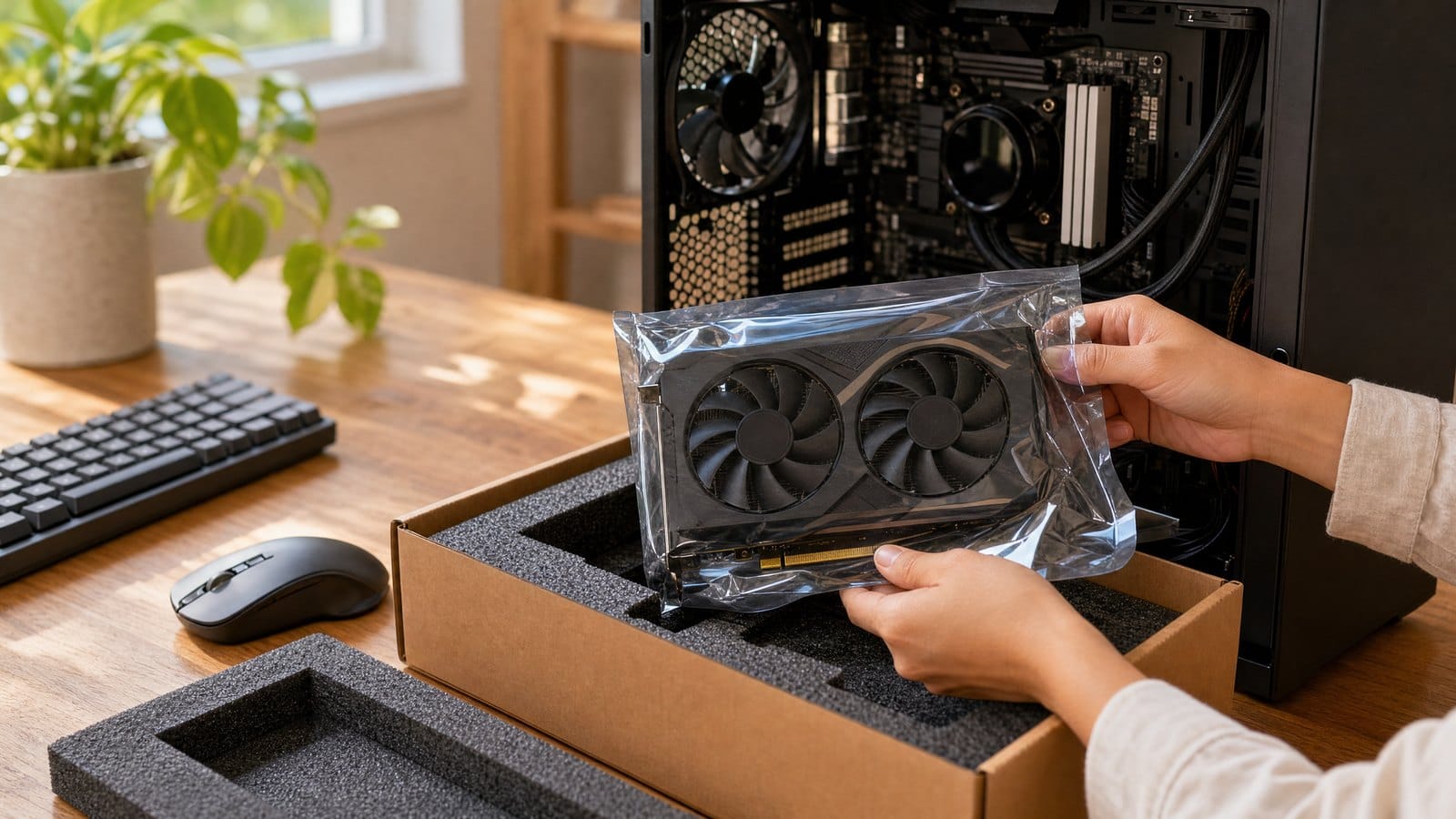
- Take out the graphics card and pack it separately, ideally in its original box. Corsair advises this because the card's weight can strain the PCIe slot.
- Consider removing a large air cooler too; Corsair says an all-in-one liquid cooler can stay.
- Tie down cables, remove loose screws, fill empty space in the case with foam and cover a glass panel with card.
- Use the original case box only as inner packaging; Corsair says it is not designed for a built PC's weight. Parcelforce says computers need thick rigid packaging such as polystyrene surrounds, in a new rigid box.
- Do not rely on "Fragile" or "This way up" labels; Parcelforce says they are no substitute for packaging and it does not guarantee orientation.
- Weigh and measure the packed box before booking.
Choose a courier, or offer collection
- Royal Mail Tracked 48: medium parcels up to 20kg and 61cm x 46cm x 46cm, with compensation up to £75 (exclusions apply).
- Parcelforce express48: parcels up to 30kg, 1.5 metres long and 220 litres.
Parcelforce's list of items excluded from compensation notes up to £150 of included domestic cover, but excludes damage to items wholly or partially containing glass, which may include a tempered glass case, and says poor packaging can void cover. Ask the carrier first if yours has glass.
Collection avoids courier damage and lets the buyer see the PC running before paying. Agree payment first; the guide on avoiding scams, chargebacks and fake buyers covers safe options.
Private seller or business: what the buyer can claim
Under section 2 of the Consumer Rights Act 2015, you are a trader if you act for purposes relating to your trade, business, craft or profession.
Private seller selling your own PC:
- The PC must match your description (Sale of Goods Act 1979, section 13), so "fully tested, no faults" is a promise you can be held to.
- The satisfactory quality term in section 14(2) applies only to sales in the course of a business.
- Citizens Advice confirms there is no cooling-off period when buying from a private individual.
Business seller, for example building PCs to sell:
- The PC must be of satisfactory quality, including durability and freedom from minor defects (section 9), and match its description (section 11).
- The buyer has 30 days to reject a faulty PC (section 22), and the PC stays at your risk until it reaches them (section 29).
- Online buyers can cancel within 14 days of receiving the PC (Consumer Contracts Regulations 2013, regulation 30). You refund within 14 days of getting it back or proof of return (regulation 34).
- Posing as a private seller is banned (Digital Markets, Competition and Consumers Act 2024, Schedule 20, paragraph 25).
- If you also sell new electrical equipment, GOV.UK's WEEE guidance sets take-back duties.
On tax, HMRC says selling personal possessions probably carries no Income Tax, but buying goods to sell for a profit is probably trading, reportable above the £1,000 trading allowance.
Listing a PC on MC999
MC999 is a UK online marketplace with no commission on sales; sellers pay a monthly fee based on the scale of their business, and the first 300 approved UK Founding Sellers get that fee free for 6 months. Sellers with a Shopify, BigCommerce or Shopline store connect it, and buyers complete the purchase on the seller's own website. Without a web shop, you can list a PC manually and arrange payment with the buyer directly. The Founding Seller page has the details.
FAQ
Can I sell the PC with Windows installed if I am keeping my licence key?
Yes, if the listing says Windows is not activated. Uninstall the key first with slmgr /upk in Command Prompt run as administrator; Microsoft says the system is then unlicensed after a restart unless a new key is installed.
Should I take the graphics card out if the buyer is collecting?
Offer to, since Corsair's advice covers any transport, not only couriers. Let the buyer watch the PC run first, then remove and box the card while they wait.
Do I have to accept a return as a private seller?
Not for a change of mind, as private sales have no cooling-off period. If the PC does not match your description, though, the buyer can claim against you, so state faults plainly and keep your screenshots and photos.
Sources (checked 2 November 2026)
- Microsoft: Reset your PC
- Microsoft: Before you sell or gift your Xbox or Windows PC
- Microsoft Windows licence terms, section 4 Transfer
- Microsoft: Reactivating Windows after a hardware change
- Microsoft: Windows 10 support has ended
- Microsoft Learn: Slmgr.vbs options
- CLEAResult: 80 PLUS certification and database
- Corsair: How to transport a gaming PC safely
- Parcelforce: Packaging guidelines
- Parcelforce: Items we exclude from compensation
- Parcelforce: express48 size and weight
- Royal Mail: Tracked 48 sizes and compensation
- Consumer Rights Act 2015, section 2
- Consumer Rights Act 2015, section 9
- Consumer Rights Act 2015, section 11
- Consumer Rights Act 2015, section 22
- Consumer Rights Act 2015, section 29
- Sale of Goods Act 1979, section 13
- Sale of Goods Act 1979, section 14
- Consumer Contracts Regulations 2013, regulation 30
- Consumer Contracts Regulations 2013, regulation 34
- Digital Markets, Competition and Consumers Act 2024, Schedule 20
- Citizens Advice: Changing your mind about something you've bought
- GOV.UK: Electrical waste, retailer and distributor responsibilities
- HMRC: Income from online platforms