How to Sell PC Components Online in the UK
A seller's sequence for new and used PC parts in the UK: when you count as a trader, testing and wiping parts, photos and descriptions, pricing, packing, carrier cover and returns.
Selling PC components online in the UK follows the same sequence for every part: work out whether you sell as a private individual or a trader, test and wipe the part, photograph and describe it by its exact model, price it from recent sold prices, pack it against static and knocks, post it with enough cover and set out your returns terms before anyone pays. This guide covers new and used graphics cards, processors, memory, SSDs, motherboards and coolers.
Private seller or trader: know which rules apply
You are a trader if you are acting for purposes relating to your trade, business, craft or profession (Consumer Rights Act 2015, section 2). For tax, HMRC lists computers among the personal possessions people sell, and says that if you sell goods you bought in order to sell them for a profit, you are probably trading (HMRC: income from online platforms). Taking a graphics card out of your own PC and selling it is selling a personal item. Buying used cards to resell at a profit is probably trading.
The 14-day right to cancel applies only to contracts between a trader and a consumer (Consumer Contracts Regulations 2013), so a private seller does not have to offer it, although the part must still match your description (Sale of Goods Act 1979, section 13). The rest of this guide notes where a trader has extra duties. Pretending to be a private seller to avoid them is always an unfair practice under the Digital Markets, Competition and Consumers Act 2024.
Test the part and keep a record
Test each part in a working PC and take dated screenshots of the results for the listing.
- Graphics cards: run a demanding game or a looping benchmark for 20 to 30 minutes, note the peak temperature, watch for artefacts or crashes, check every display output and fan, and listen for coil whine (a high-pitched buzz under load).
- Processors: boot into the operating system, run a stress test, record the temperatures and check that the model the system reports matches the marking on the chip.
- Memory: run the free MemTest86 test, which boots from a USB flash drive, for at least one full pass with the whole kit installed.
- SSDs and hard drives: check drive health and S.M.A.R.T. data, including power-on hours and total data written if the drive reports them, with a tool such as CrystalDiskInfo.
- Motherboards: boot the board with a processor and memory you know work, test every memory slot, M.2 and SATA port and rear USB port, and note the BIOS version.
- Coolers: run the fans and the pump and listen for grinding or rattling.
If you cannot test a part, list it as untested.
Wipe SSDs and hard drives before you list them
For an unencrypted drive that will be reused or sold, the National Cyber Security Centre recommends overwriting it with a fixed value such as all zeros (the drive maker may supply a tool), checking the metadata for remapped or bad sectors, powering the drive off completely for at least 15 minutes, then reading it back to confirm the overwrite. If a step fails, or sectors have been remapped, some data may remain. Say in the listing that the drive has been erased.
Photograph what buyers check
Use consistent lighting and a plain background, and add close-ups of any wear or damage.
- Graphics cards: front, backplate, display outputs, a close-up of the power connectors, the PCIe contacts and each fan.
- Processors: the top with its markings, and the underside.
- Motherboards: the socket with its protective cap fitted, the rear ports and everything in the box.
- Memory and SSDs: each module or drive with its part number, plus your test or health screenshots.
- Coolers: fins, fans, pump head and all mounting parts.
Note each serial number so you can check that a returned item is the one you sent.
Give the exact model and what it works with
Put the full model name in the title and the compatibility facts at the start of the description. An example title: "Used 32GB (2 x 16GB) DDR5-6000 CL30 Desktop Memory Kit, MemTest86 Passed". Then add the details for that type of part:
- Graphics cards: memory size, length in mm, number of slots it occupies, power connectors and display outputs.
- Processors: socket, whether a cooler is included and whether the chip has integrated graphics.
- Motherboards: socket, chipset, form factor (ATX, micro-ATX or mini-ITX), memory type and BIOS version.
- Memory: DDR generation, capacity and kit layout, speed and CAS latency, and whether it is desktop DIMMs or laptop SO-DIMMs. Crucial notes that DDR4 and DDR5 are not backwards compatible.
- SSDs: form factor (2.5-inch or M.2 2280), interface (SATA or NVMe, with the PCIe generation), capacity and health.
- Coolers: supported sockets, mounting parts included, and radiator size or cooler height in mm.
Check whether the manufacturer's warranty transfers to a second owner. Be honest about the condition (new and sealed, new but opened, used, refurbished, or for spares or repair) and anything else a buyer would want to know, such as coil whine, a replaced fan, or a missing box or accessories.
If you sell as a trader, what you say about a part's main characteristics becomes a term of the contract (Consumer Rights Act 2015, section 11). Before an order is placed, you must also give your business name, contact details and address, the price including all taxes, delivery costs and times, and how to cancel; online, you must also give an email address and confirm each order as soon as possible (GOV.UK: online and distance selling).
Price from sold prices, then add up your costs
Compare recent sold prices (not asking prices) for the same model in similar condition with the current new price at UK retailers. Then place your part within that range according to what you can show: the box, accessories, receipt, remaining warranty and test results.
A hypothetical example: if a card costs £450 new and used ones have recently sold for £300 to £340, a boxed card with a receipt and a recorded stress test can justify the top of that range, while an unboxed card with a replaced fan belongs nearer the bottom. Then deduct postage, packaging, any selling fees and, if you are trading, an allowance for returns.
Pack against static and knocks
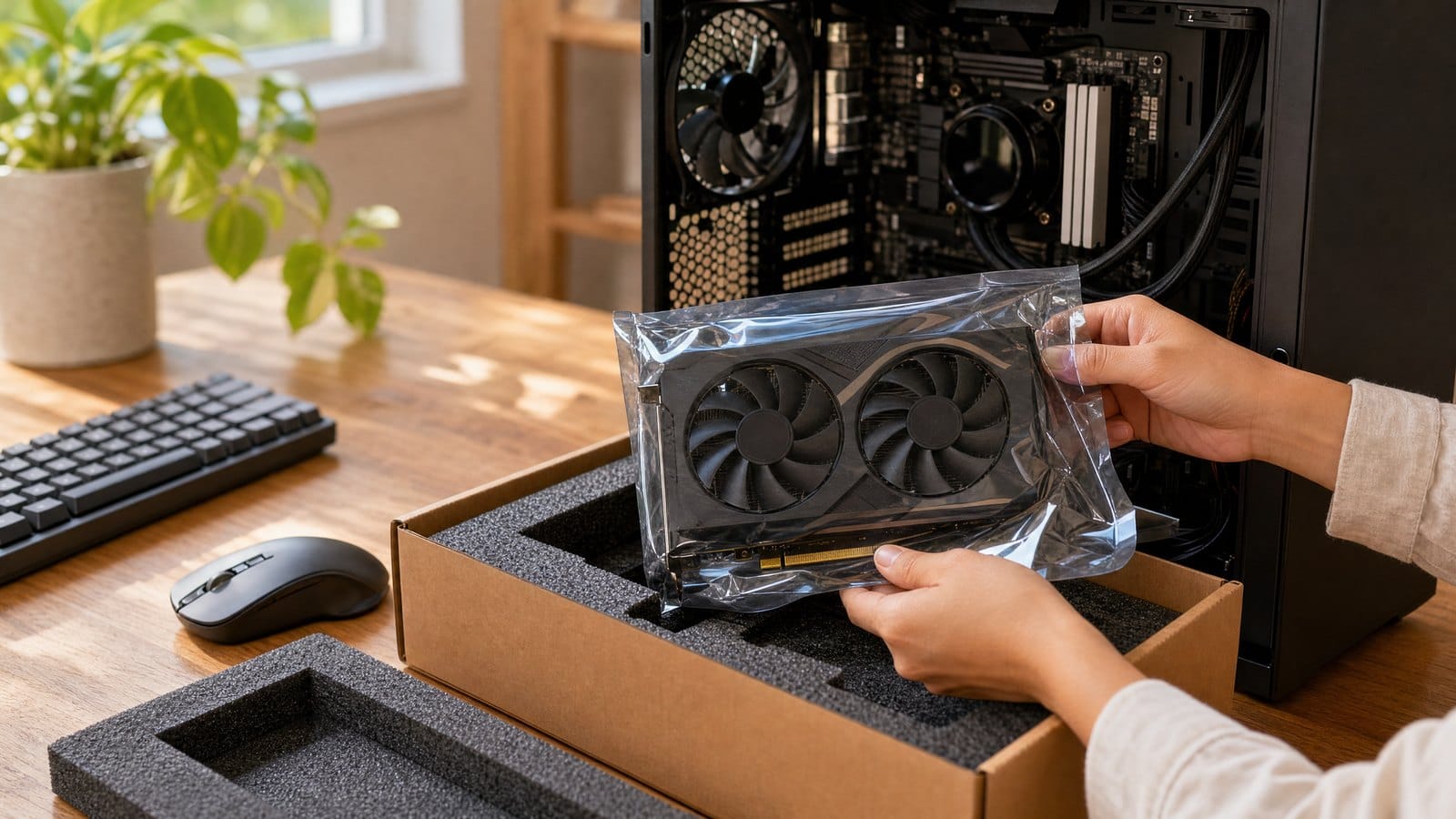
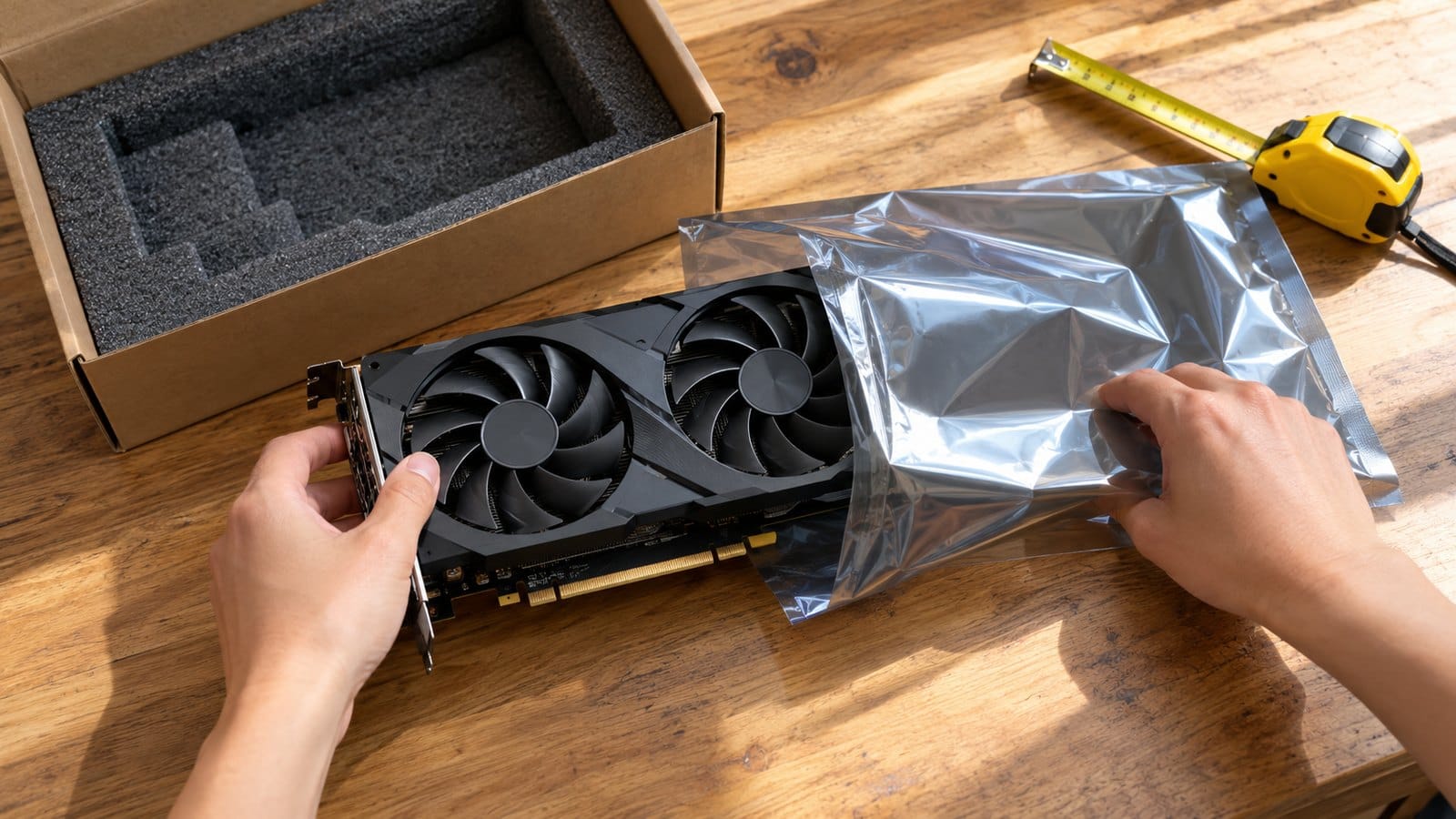
MSI's user guide for the MPG X870E CARBON WIFI motherboard warns that components can be damaged by electrostatic discharge and should be stored in an electrostatic shielding container when not installed. Handle boards by their edges and put each card, board, memory module and SSD in an anti-static bag.
- Refit the protective cap on the motherboard's processor socket. MSI says it only processes returns (RMA) if the cap is on the board when it is sent back.
- Keep the processor in its original tray or a hard case so nothing presses on the underside.
- Cushion everything in a strong box. Royal Mail's packaging guidance for electronic items is at least 1 cm of cushioning around small items and 5 cm around medium to large items, in a strong, rigid outer box such as corrugated fibreboard. Parcelforce says electrical items and computers must be packed in thick, rigid packaging such as polystyrene surrounds.
- Treat the retail box as inner packaging only. Parcelforce will not accept liability for damage to a manufacturer's box sent without adequate outer packaging, and both carriers say packaging that does not meet their guidelines may affect compensation.
Many motherboards hold their BIOS settings with a lithium coin cell (MSI's guide lists a CR2032). Royal Mail and Parcelforce accept lithium metal cells inside equipment on conditions that include no more than four cells or two batteries per package, no more than 1 g of lithium per cell, and no damaged or recalled cells (Royal Mail: prohibited and restricted items). Energizer's data sheet gives its CR2032 a typical lithium content of 0.109 g. Leave the cell fitted: sent loose, it brings extra conditions, and a lithium battery cannot be posted on its own without the equipment.
Choose a service with enough cover
Match the compensation cover to the value of the part, and get a certificate of posting: Royal Mail calls it optional, but you need it to make a claim. Figures checked 10 October 2026:
- Royal Mail Tracked 24 covers loss or damage up to the value of the item or £75, whichever is lower.
- Royal Mail Special Delivery Guaranteed by 1pm includes up to £750 compensation, with extra cover available up to £2,500, and a photo and signature on delivery.
- Parcelforce domestic services include up to £150 compensation, with extra cover available to buy.
Measure the packed box before you buy postage. A Royal Mail small parcel can be up to 45 x 35 x 16 cm and 2 kg; a medium parcel up to 61 x 46 x 46 cm and 20 kg. For other carriers, check the rules for the specific service. As a trader, you must deliver within 30 days unless you agree otherwise with the buyer.
Faults, returns and refunds
If you are a trader, online buyers can cancel without giving a reason within 14 days of delivery. Once they tell you, they have 14 days to send the part back, and you must refund them within 14 days of receiving it, or of receiving proof that it was sent if that is earlier (Consumer Contracts Regulations 2013).
- Refund the buyer's original delivery cost, up to the cheapest standard delivery option you offer.
- The buyer pays for the return only if you told them so before they ordered.
- You can deduct for loss in value only if the buyer handled the part more than was needed to establish its nature, characteristics and functioning (the regulations compare this with what a shop would reasonably allow), and only if you gave them the cancellation information.
- If you do not tell buyers about the right to cancel, the cancellation period can extend by up to 12 months.
Faults are a separate matter. Goods sold by a trader must be of satisfactory quality and match their description, and a term that tries to exclude this does not bind the buyer (Consumer Rights Act 2015, sections 9, 11 and 31). GOV.UK adds that it is illegal to mislead customers about their rights, for example with a sign saying you do not accept returns. A buyer can reject a faulty part within 30 days, counted from the day after delivery, and you must refund them and pay the reasonable cost of returning it (Consumer Rights Act 2015, sections 20 and 22). If an item is returned faulty within 6 months, you must repair or replace it unless you can prove it was not faulty when it was bought (GOV.UK: accepting returns and giving refunds).
Selling new parts as a business: electrical waste take-back
A business that sells new electrical or electronic equipment (EEE) must take back, free of charge and one for one, old household equipment of the same type that did the same job (WEEE Regulations 2013). If your business sells less than £100,000 of EEE a year, or sells only online, you can join the Distributor Take Back Scheme instead, and online sellers must publish their take-back information (GOV.UK: electrical waste). Not every component counts as EEE: GOV.UK's scope guidance excludes components supplied to a business to build a finished product and spare parts supplied for repair, but includes finished products sold to end users. If you are unsure, ask the Office for Product Safety and Standards, which enforces the distributor rules.
Listing PC components on MC999
Compatibility details and test notes help a buyer decide whether a part will work in their build. You can also list your parts on MC999, a UK marketplace where shoppers find products and the independent shops behind them. PC parts belong in the Computers and networks section, under Components. If your shop runs on Shopify, Shopline or BigCommerce, you can connect it, and shoppers who find a part on MC999 go to your own shop to buy. You can also add products manually; the How to Sell guide covers both.
Already selling through your own shop? See how to add your products to MC999 and give shoppers another way to find your business.
Frequently Asked Questions
Do I need to tell HMRC about money from selling PC parts?
Usually not for your own used parts. HMRC says you are unlikely to pay Income Tax when you sell personal possessions, but you may have to pay Capital Gains Tax if you sell a single item for more than £6,000. If you buy parts to sell at a profit, add that income to any other trading income; if the total is more than the £1,000 trading allowance for the tax year (6 April to 5 April), tell HMRC.
If I sell as a trader, who is responsible for damage in the post?
Usually you are. Under the Consumer Rights Act 2015, goods stay at your risk until they are in the buyer's physical possession, unless the buyer arranged a carrier you did not offer (section 29). So you put transit damage right with the buyer and make the claim with the carrier yourself. Keep the parcel, its packaging and your proof of posting until the claim is settled.
Can I sell a faulty part for spares or repair?
Yes, if you describe the fault accurately: "no signal from the HDMI port" tells a buyer far more than "may have problems". For a trader, the satisfactory quality term does not cover a problem specifically pointed out to the buyer before the contract is made, but it still applies to everything else, in line with your description and price. Online buyers still have the 14-day right to cancel.
Sell on MC999
Ready to start selling without paying commission on every sale? Join MC999 as a Founding Seller and keep full control over your prices, delivery and returns.