How to Sell a Used Graphics Card Online in the UK
A UK seller's guide to used graphics cards: identify the exact variant with GPU-Z, record a stress test and temperatures, disclose mining, check what ASUS, MSI, Gigabyte, EVGA and Sapphire say about warranty transfer, then photograph, price, pack and avoid GPU scams.
To sell a used graphics card online in the UK, identify the exact model and memory variant, record a stress test, say plainly how the card was used (mining included) and read the maker's warranty terms before you promise any warranty: EVGA offers a transferable warranty to second-hand buyers, while Sapphire says its warranty may not be transferred. Then photograph the serial label and connectors, price from completed sales and pack it against static. Our guide to selling PC components covers trader rules, returns and carrier cover for every part; for a card inside a complete system, see how to sell a used gaming PC.
1. Identify the exact model and variant
"RTX 4060 Ti" is not enough. NVIDIA's specification page lists the RTX 4060 Ti with 16 GB or 8 GB of GDDR6, and each board partner sells several versions with different coolers and clocks. Collect three things:
- The full model name and part number from the card's sticker and the box label, at this level of detail: "ROG Astral GeForce RTX 5080 16GB GDDR7 OC Edition".
- What the card reports. TechPowerUp GPU-Z, a free utility, shows the GPU, memory size, type and bus width, and default and boost clocks. Its Lookup button opens the matching database entry, and it can save a validation you can link in the listing.
- The serial number. Gigabyte's online warranty check needs only the serial, and EVGA sets warranty length by part number suffix (under its EMEA terms, -KR is a 3-year product).
If GPU-Z disagrees with the sticker, for example on memory size, find out why before listing. A flashed BIOS or mismatched card must be disclosed.
2. Test it and keep the evidence
- Check the slot link with GPU-Z's load test, which verifies the PCI Express lane configuration, and screenshot it.
- Run a long load. UL's 3DMark Stress Test loops a graphics test without breaks; the default 20 loops take around 20 minutes, and a pass needs at least 97% frame rate stability in every loop (UL). UL says crashes, hangs or visual artefacts may indicate a reliability or stability problem.
- Compare the peak GPU temperature with the maker's figure. NVIDIA lists a maximum of 88 °C for the RTX 5070 Ti and 85 °C for the RTX 5070. A card near its maximum in a well-ventilated case needs cleaning or has a cooling problem to disclose.
- Watch for artefacts: sparkling dots, coloured lines, blocky patches or flickering textures.
- Test every HDMI and DisplayPort output, run the fans at full speed to hear bearing noise, and listen for coil whine under load.
Put the results in the listing, for example (illustrative): "3DMark Stress Test passed, 98.9% stability, peak 71 °C in a 21 °C room".
3. Say how the card was used, including mining
Buyers ask about mining because makers treat it separately. MSI's UK warranty excludes damage caused by mining; EVGA says its products are not designed for uninterrupted use or cryptocurrency mining; Sapphire says its warranty varies for cards used in mining. State:
- what the card did (gaming, rendering, AI work or mining) and for roughly how long;
- any lowered power limit or undervolt;
- any repair: fans, thermal paste or pads, a changed BIOS;
- any fault you have seen, even an occasional one.
This protects you too. A sale by description carries an implied term that the goods will correspond with it (Sale of Goods Act 1979, section 13). For a trader, the satisfactory quality term does not cover anything specifically drawn to the consumer's attention before the contract (Consumer Rights Act 2015, section 9), so a clearly disclosed fault is not one the buyer can later rely on.
4. Check what each maker says about warranty transfer
Only write "2 years' warranty left" if the maker's terms let the warranty pass to a new owner:
- EVGA (EMEA terms): a Transferable Limited Warranty covers second-hand purchasers with valid proof of purchase of the transaction between the current and previous owner. It runs from the original shipment date; its length depends on the suffix, and demo or prize cards and suffixes such as -B1 and -RB are excluded.
- Sapphire (warranty policy): the warranty applies only to the original purchaser and may not be transferred; claims go through the dealer with the original invoice.
- Gigabyte (UK terms): the warranty applies to brand new products from authorised resellers and may not apply to items bought used unless Gigabyte expressly says so. Receipts from online auction sites are not valid proof; without valid proof, warranty runs from the manufacture date in the serial.
- MSI (UK policy): terms depend on where the card was bought, and the warranty does not apply to a product not acquired from an MSI authorised retailer or distributor. Without a valid receipt, the start date defaults to the manufacture date.
- ASUS (UK graphics card policy): the warranty starts on the purchase date, proved by the sales receipt. The page does not mention transfer.
For most brands, the honest line is "manufacturer warranty may not transfer; original receipt included". For EVGA, give the buyer a dated receipt for your sale, the proof EVGA asks for. Terms vary by region, so check your card's maker before listing.
5. Clean it without voiding what is left
- ASUS's cleaning FAQ: unplug, use canned air or a blower at a distance (not an air compressor, and not with the can upside down), and wipe marks with a lint-free cloth slightly damp with 70 to 75% isopropyl alcohol. It advises against disassembling the thermal module; its warranty is invalid after end-user disassembly or if the serial label or warranty seals are broken.
- Sapphire: any warranty is invalid if the card has been dismantled or the heat sink removed.
- Gigabyte: failures from improper cleaning or maintenance are excluded, and removing the serial sticker breaks the warranty.
- EVGA: cards modified outside factory specifications or not in factory condition are not covered.
- MSI: damage from modification or repair by a third party it has not authorised is not covered.
Within warranty, clean only from the outside. If you have already replaced paste or pads, say so, give the pad thickness and paste used, and show temperatures before and after. Never move the serial sticker.
6. Gather everything from the box
ASUS lists these extras for the ROG Astral RTX 5080: a 1 to 3 adapter cable, a graphics card holder, a hook and loop strap, a magnet, a keycap, a PCB ruler and a manual. NVIDIA's RTX 5070 Ti specification needs 2x PCIe 8-pin cables with the adapter in the box, or a 300 W or greater PCIe Gen 5 cable. Mark each item present or missing:
- box, inner tray and anti-static bag;
- power adapter, which a buyer with an older power supply needs;
- support bracket and screws;
- the original receipt, with personal details blacked out.
7. Photograph the details buyers check
- the model and serial sticker in focus (cover the last digits publicly if you like, but keep a full photo);
- the backplate, and a close-up of the power connector showing no discolouration or melting;
- the PCIe contacts and each display output;
- any warranty seal on a cooler screw;
- your GPU-Z and stress test screenshots;
- the card beside a handwritten note with the date and your seller name.
8. Price from completed sales of the same version
Asking prices show hopes, not value. eBay's pricing help explains the check: open Advanced Search, enter your keywords and choose Completed listings. Search the exact model and memory size and note at least five recent sales. Then adjust:
- full box, accessories and receipt support the top of the range, as does an EVGA transferable warranty you can document;
- disclosed mining, a replaced fan, repasting or a missing adapter push you lower;
- a card with artefacts or crashes sells as spares or repair.
A hypothetical example: sales at £310, £325, £330, £340 and £355 give a middle figure of £330. A boxed card with receipt and a passed stress test can sit there; an unboxed card with a replacement fan belongs nearer £310.
9. Pack against static and knocks
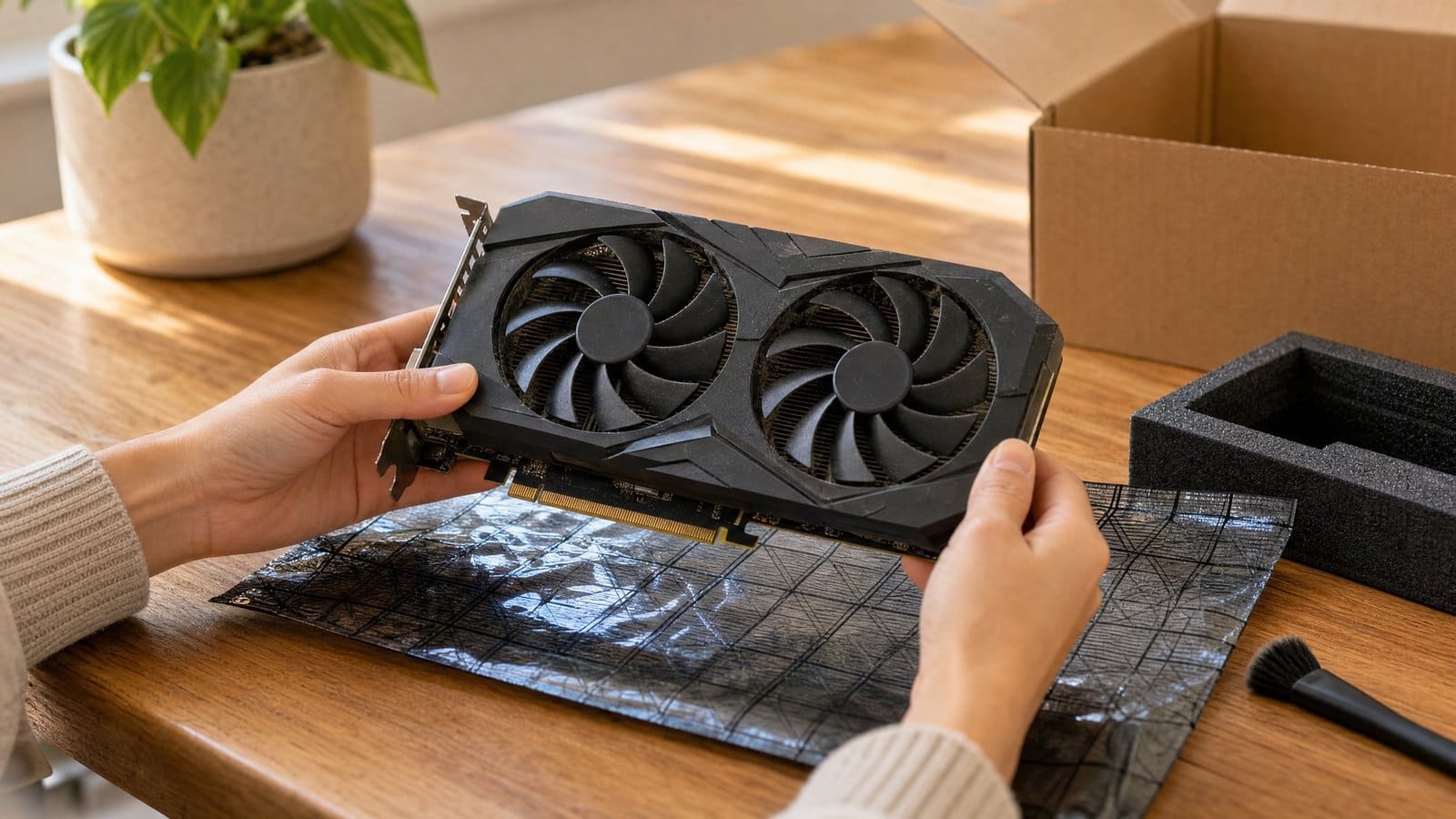
- Put the card in its anti-static bag and seat it in the original tray or foam, with nothing pressing on the contacts or fans.
- Wrap the bracket and cables separately.
- Put the retail box inside a sturdy outer carton, cushioned on all sides. MSI's packing guidelines ask for a solid corrugated box with materials such as bubble sheeting, EPE foam or polystyrene.
- Film the packing with the serial label visible.
Send it tracked and signed for, with cover for the full price; the components guide compares carrier cover.
10. Watch for graphics card scams
- Box-only listings. Some listings sell an empty box at near card prices, so buyers are wary. Put "card included, tested and working" in your title and show the card with your dated note.
- Swapped cards on return. A buyer can send back a different or dead card. Before discussing a refund, compare the serial with your photos and video, and keep that evidence.
- Fake payment emails. Check the money is in your own account before posting. Our guide to avoiding scams and fake buyers covers more patterns.
Report fraud to Report Fraud online or on 0300 123 2040 (Monday to Friday, 8am to 8pm).
Private seller or business
A private seller must supply a card that matches its description. If you sell for purposes relating to your trade or business, you are a trader (Consumer Rights Act 2015, section 2) and also owe satisfactory quality, the 14-day cancellation right and the other duties in the components guide.
Selling graphics cards on MC999
MC999 is a UK online marketplace with no commission on sales; sellers pay a monthly fee. If you run a Shopify, BigCommerce or Shopline store, you can connect it, and buyers complete the purchase on your own website. Without a web shop, you can list a card manually and arrange payment with the buyer directly. The first 300 eligible UK sellers get six months with no monthly fee: see the Founding Seller details.
FAQ
Should I repaste an old card before selling it?
Only once the warranty has ended, because ASUS and Sapphire both void it if the cooler comes off. Record temperatures before and after, and list exactly what you replaced.
Can I sell a card that shows artefacts?
Yes, as faulty, for spares or repair. Say exactly when the artefacts appear (on the desktop, only under load, or on one output) and include a photo of the screen. That lets a repairer decide whether it is worth buying.
Should I give the buyer my original receipt?
Yes, if you have it. Gigabyte, MSI, ASUS and Sapphire tie claims to proof of purchase, and Gigabyte and MSI fall back to the manufacture date without one. Black out your address and payment details first.
Sources (checked 2 November 2026)
- TechPowerUp GPU-Z: features (card information, PCI Express load test, Lookup, validation)
- NVIDIA: GeForce RTX 4060 family specifications (16 GB or 8 GB RTX 4060 Ti)
- NVIDIA: GeForce RTX 5070 family specifications (maximum GPU temperature, power connectors)
- UL Benchmarks: 3DMark Stress Tests (20 loops, around 20 minutes, artefacts)
- UL Benchmarks: 3DMark Stress Tests, 97% frame rate stability to pass
- EVGA: graphics card limited warranty, EMEA (Transferable Limited Warranty, suffixes, exclusions)
- Sapphire: RMA and warranty policy (original purchaser, heat sink removal, mining)
- Gigabyte UK: warranty terms (used products, proof of purchase, serial sticker, cleaning)
- MSI UK: warranty policy (authorised retailer, manufacture date, mining)
- ASUS UK: Dual RTX 4060 graphics card warranty policy
- ASUS: How to clean a graphics card
- ASUS ROG Astral GeForce RTX 5080 OC Edition specifications (accessories)
- eBay UK: Pricing your items (completed listings)
- MSI: Warranty and repair packing guidelines
- Report Fraud: guide to reporting cyber crime and fraud (phone line and hours)
- Sale of Goods Act 1979, section 13
- Consumer Rights Act 2015, section 2
- Consumer Rights Act 2015, section 9