How to Sell a Used Laptop Online in the UK
A step-by-step guide to selling a used Windows laptop or MacBook in the UK: read battery health and cycle count, remove Activation Lock and erase the Mac, reset Windows, clear BIOS and firmware passwords, grade the screen and keyboard, and post it under Royal Mail's lithium battery rules.
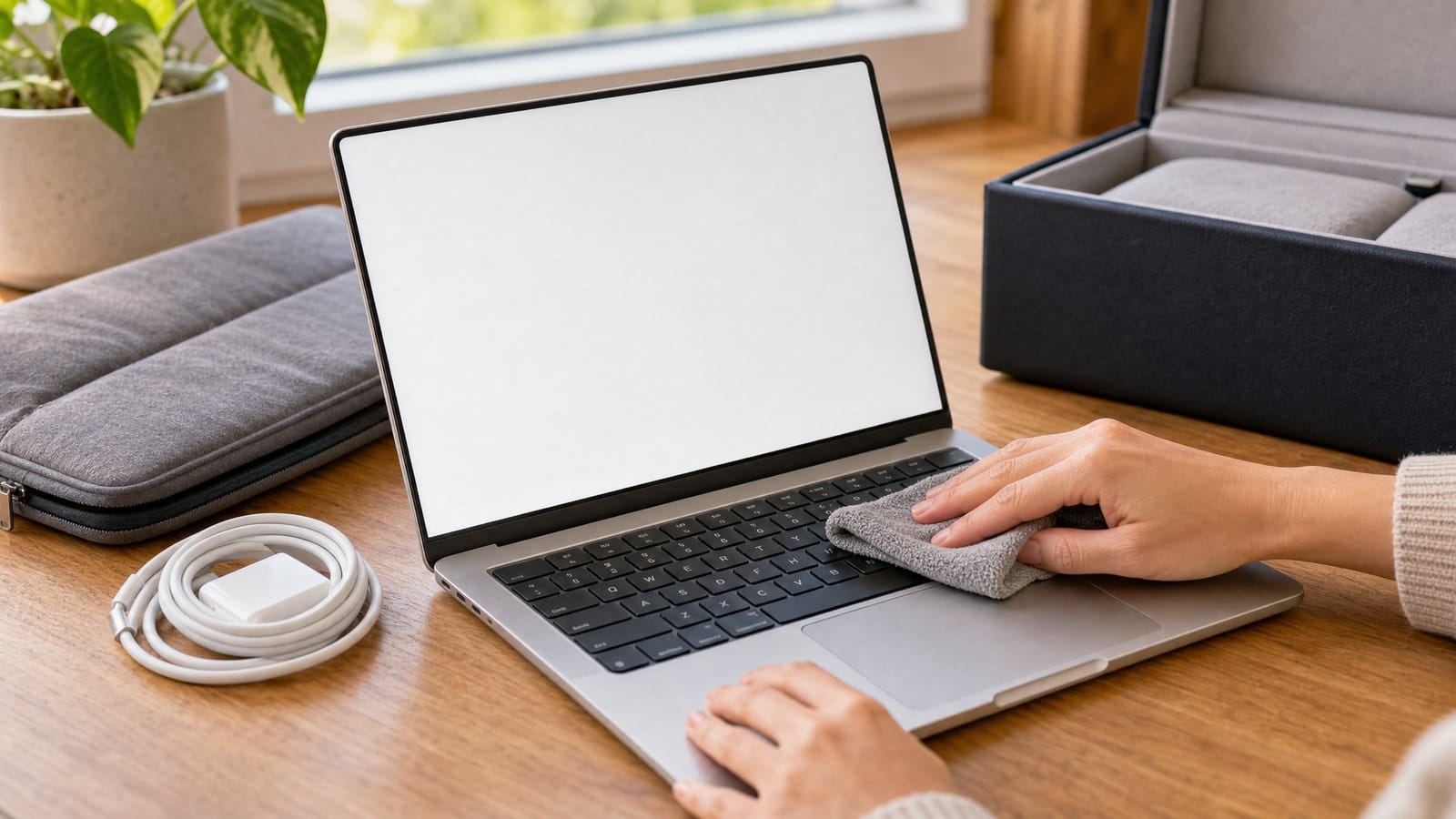
To sell a used laptop online in the UK, record its battery health, back it up, sign out of your accounts, erase it, remove any BIOS or firmware password, then list the exact model and spec with a graded description of the screen, keyboard and charger. Post it shut down with the battery fitted: Royal Mail accepts laptops with installed lithium-ion batteries of up to 100 Wh, but a spare battery packed with the laptop and not fitted can only go within the UK from a Post Office counter, and a battery posted on its own is not allowed at all.
1. Record the battery health before you erase
Buyers ask about battery wear first, so measure it while the laptop is still set up and screenshot the result.
Windows: run a battery report
- Open Command Prompt or Terminal, type powercfg /batteryreport and press Enter. Microsoft's powercfg documentation says this saves an HTML report of battery use over the system's lifetime; Windows shows where.
- Open the file in a browser. Under Installed batteries, note the Design capacity, Full charge capacity and Cycle count.
- Divide full charge capacity by design capacity. A hypothetical laptop with 45,600 mWh design capacity and 38,760 mWh full charge capacity holds 85% of its original charge.
Some laptops leave the cycle count blank or show a dash; say so rather than guessing. Keep the design capacity: divided by 1,000, it gives the battery's rating in Wh, which you need for posting.
MacBook: battery condition and cycle count
Choose Apple menu, System Settings, Battery, and look at Battery Health. Apple lists two readings: Normal, and Service recommended, meaning the battery holds less charge than when new or may not be working normally.
For the cycle count, hold Option, click the Apple menu, choose System Information, then Power under Hardware. Apple says a battery is designed to keep up to 80% of its original capacity at its maximum cycle count, which is 1,000 for current MacBook Air and MacBook Pro models and lower for some from 2009 and earlier. A listing line such as "Battery: Normal, 312 of 1,000 cycles" answers the question before it is asked.
2. Erase a MacBook and remove Activation Lock
Back up first. If the Mac has AppleCare, Apple says you can transfer the plan to the new owner.
Activation Lock ties a Mac to your Apple Account: Apple says your password or passcode is needed before anyone can turn off Find My, erase the Mac or reactivate it. On a Mac with Apple silicon or the T2 Security Chip running macOS Monterey 12 or later, follow Apple's Erase All Content and Settings steps, which remove it:
- If the Mac has been repaired, or you are not sure, run Repair Assistant first (Apple silicon with macOS 26 or later).
- If you installed Windows with Boot Camp, remove Windows and its partition, or the erase may stop with a message about other volumes.
- Go to System Settings, General, Transfer or Reset, Erase All Content and Settings.
- Enter your Mac login password, then your Apple Account password. If asked to sign back in to iCloud, ignore it and continue.
- When the setup assistant appears, do not set it up: hold the power button until the Mac turns off.
On older Macs, Apple's manual route is: sign out of iCloud and iMessage, erase the disk with Disk Utility in macOS Recovery, reinstall macOS, press Command-Q at the setup assistant, and on Intel Macs, reset NVRAM.
If the top of the System Settings sidebar says "Sign in", Apple confirms Activation Lock is off. If you already sent the Mac without doing this, remove it in Find My or at iCloud.com/find.
3. Reset a Windows laptop
Go to Settings, System, Recovery, Reset PC, choose Remove everything and turn on Clean data, which Microsoft recommends when selling. Keep the laptop on mains power and switch it off at the setup screen. Then remove it at account.microsoft.com/devices (Microsoft: before you sell). The gaming PC selling guide covers each reset option, BitLocker and what your Windows licence lets you pass on.
4. Remove BIOS and firmware passwords
- Intel Mac: a firmware password blocks starting from macOS Recovery or another disk, and on T2 Macs it is also needed for Erase All Content and Settings. In Recovery, choose Startup Security Utility (or Firmware Password Utility) from the Utilities menu and click Turn Off Firmware Password (Apple: firmware password). Apple silicon Macs do not use one.
- Windows laptop: enter the UEFI or BIOS setup (the key varies by brand) and clear any supervisor, administrator, power-on or hard disk password.
Do it while you remember the password. Apple says a forgotten firmware password needs an in-person service appointment with proof of purchase, and for the ThinkPad T14 Gen 5, Lenovo states a forgotten supervisor password means a paid system board replacement. Write "no BIOS or firmware password set" in the listing.
5. List the exact model and spec
- MacBook: About This Mac gives the model name, such as MacBook Pro (16-inch, 2024). Apple's identification page lists each model's identifier, part numbers and the newest compatible operating system; quote the macOS version it can run.
- Windows: take the model number from the label underneath; the battery report header also shows the system product name. Settings, System, About lists the processor and installed RAM.
- Add: processor or chip (with CPU and GPU cores on a Mac), memory, storage, screen size and resolution, any separate graphics card, colour, keyboard layout (UK or US) and remaining warranty.
Example title: "MacBook Air 13-inch M2 2022, 8GB, 256GB, Midnight, UK keyboard, battery Normal, 212 cycles".
6. Test and grade the screen, keyboard and body
- Screen: show full-screen white, black, red, green and blue to find dead or stuck pixels, and black in a dark room for backlight bleed. With the screen off, look for pressure marks, keyboard imprints and worn coating.
- Keyboard and trackpad: type every key, including the function row, into a text editor; check the backlight; click the trackpad in each corner and the middle.
- Hinge: check the lid holds its position at several angles.
- Hardware: try every port, the webcam, microphones, speakers, Wi-Fi and Bluetooth.
Grades only help if you define them, so put your scale in the listing:
- Excellent: no marks visible at arm's length, no screen faults, everything works.
- Good: as Excellent, but light marks visible at an angle.
- Fair: visible scratches, dents, shiny keycaps or a minor screen mark; everything works.
- Faulty: anything that does not work, described exactly.
7. Say exactly what charger comes with it
State whether a charger is included, whether it is original, its wattage (printed on the adapter) and the cable type. If none is, say what to use. Apple says a Mac laptop that charges by USB-C works with any USB-C adapter supporting USB Power Delivery, and recommends at least the wattage of the model's recommended adapter: 140W for 16-inch MacBook Pro models from 2021 onwards, for example. For a Windows laptop, give the wattage and connector from the original adapter's label. Leave out damaged chargers.
8. Photograph it
Shoot the lid closed, the screen showing white, the keyboard, each side's ports, the underside label, every mark close up, the charger's wattage label and your battery and spec screenshots.
9. Price from sold laptops
Compare sold prices, not asking prices, for the same model, processor, memory and storage. Adjust for battery condition and cycle count, grade, a missing or non-original charger, keyboard layout and warranty. A trade-in quote gives you a floor. Fix your lowest price before you list (see dealing with time wasters and low offers).
10. Pack and post it with the battery inside
Royal Mail's restricted items rules allow lithium-ion batteries contained in a device to UK and international addresses, for Royal Mail and Parcelforce, provided:
- the battery is not damaged or recalled (do not post one that has swollen and lifts the trackpad or base)
- the package holds no more than two installed batteries or four cells, and no more than 5kg of batteries
- no battery exceeds 100 Wh and no cell exceeds 20 Wh
- the packaging is strong and rigid, with the laptop secured against movement and unable to switch on by accident
- your name and return address are on the outside
Check the rating on the battery label, in the tech specs or from the battery report. Some laptops sit right at the limit: Apple lists the 16-inch MacBook Pro (2024) battery as 100 Wh, with an actual rating of 99.6 Wh. Shut it down rather than leaving it asleep, wrap the charger separately so it cannot press on the lid, and fill every gap.
A spare battery packed with the laptop but not fitted is stricter: not allowed internationally, and within the UK only from a Post Office counter, with the Lithium Battery Mark, a document stating the package contains lithium-ion batteries and no more than the batteries needed plus two spares.
For a valuable laptop, Special Delivery Guaranteed by 1pm includes tracking, a photo and signature on delivery and compensation up to £750, with extra cover up to £2,500. Royal Mail notes that consequential loss cover is not available for restricted items. If the buyer collects instead, let them test it and agree payment first (see avoiding scams and fake buyers).
11. Private seller or business
You are a trader if you sell for purposes relating to your trade or business (Consumer Rights Act 2015, section 2). Selling your own laptop privately, it must match your description (Sale of Goods Act 1979, section 13), but Citizens Advice confirms there is no cooling-off period. If you refurbish laptops to sell, they must also be of satisfactory quality, which does not cover faults you pointed out before the sale (section 9). HMRC lists computers among personal possessions that probably carry no Income Tax; trading income over the £1,000 trading allowance must be reported.
Selling laptops on MC999
MC999 is a UK online marketplace with no commission on sales; sellers pay a monthly fee, and the first 300 eligible UK sellers get six months with no monthly fee. Sellers with a Shopify, BigCommerce or Shopline store connect it, and buyers complete the purchase on the seller's own website. Without a web shop, you can list a laptop manually and arrange payment with the buyer directly. The Founding Seller page has the details.
Related guides: How to Sell a Used Graphics Card Online in the UK and How to Sell PC Components Online in the UK.
FAQ
Can I sell a Mac that is still locked to a previous owner's Apple Account?
Not as a working computer, because Activation Lock stops anyone reactivating it without that account's password. Ask the previous owner to remove it in Find My or at iCloud.com/find. Apple accepts Activation Lock support requests with proof of purchase.
Should I replace a worn battery before selling?
Not necessarily. Apple says a battery can still be used past its maximum cycle count, with shorter battery life. State the condition and cycle count, price against laptops with similar figures, and compare the replacement cost with the price difference before deciding.
Can I post a laptop abroad?
Yes, if the battery is installed and meets Royal Mail's conditions, including the 100 Wh limit. A spare battery that is not fitted cannot go internationally. Other countries' postal services may have their own prohibitions, Royal Mail warns.
Sources (checked 2 November 2026)
- Microsoft Learn: powercfg command-line options (/batteryreport)
- Apple Support: Check the condition of your Mac laptop's battery
- Apple Support: Determine battery cycle count for Mac laptops
- Apple Support: What to do before you sell, give away, trade in or recycle your Mac
- Apple Support: Erase your Mac and reset it to factory settings
- Apple Support: Activation Lock for Mac
- Apple Support: Remove a device from Find My on Mac
- Apple Support: Set a firmware password on your Mac
- Lenovo ThinkPad T14 Gen 5 user guide: forgotten supervisor password
- Apple Support: Identify your MacBook Pro model
- Apple Support: MacBook Pro (16-inch, 2024) Tech Specs, battery rating
- Apple Support: Use a power adapter with your Mac
- Microsoft Support: Reset your PC
- Microsoft Support: Before you recycle, sell, or gift your Xbox or Windows PC
- Royal Mail: Prohibited and restricted items, lithium batteries in and with devices
- Royal Mail: Special Delivery Guaranteed by 1pm, compensation
- Consumer Rights Act 2015, section 2
- Consumer Rights Act 2015, section 9
- Sale of Goods Act 1979, section 13
- Citizens Advice: Changing your mind about something you've bought
- HMRC: Check if you need to tell HMRC about income from online platforms